How to add and verify your phone number
In your KVADRAT profile, with Telegram or SMS.
Add the number in your profile
1
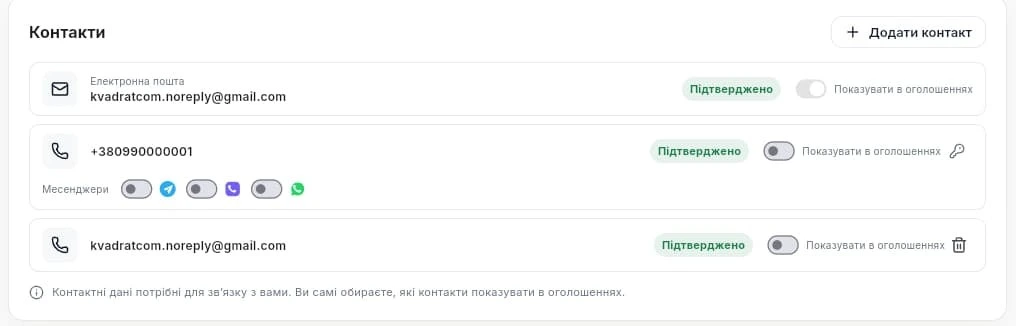
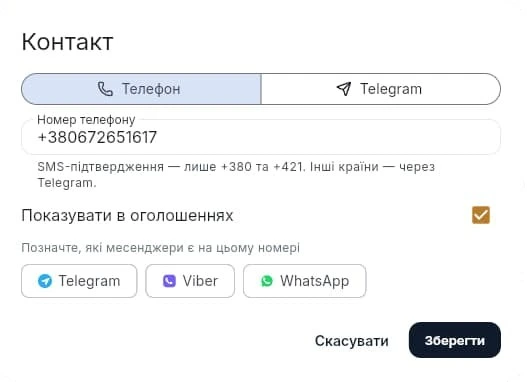
Open your profile. 2. In Contacts, press Add contact. 3. Enter the number and press Save.
Confirm with Telegram
1
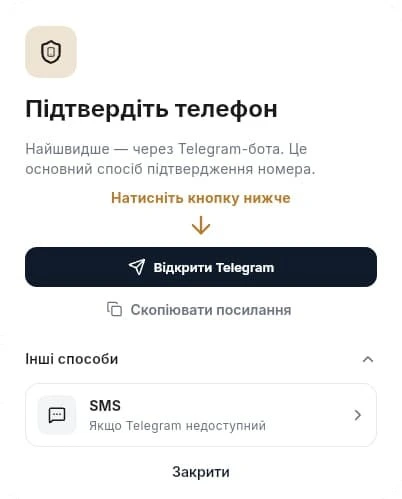
Press Open Telegram. 2. In the bot chat, press Share phone number.
If Telegram is on another device, press Copy link and open it there.

Confirmation by SMS
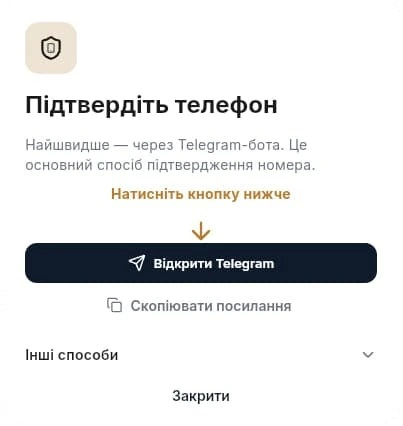
Other methods → SMS. Enter the code from the message.
For +380 and +421 numbers.